App review
Best Diabetic Food Tracker App (2026–2027)
The best food tracker app for people with diabetes in 2026–2027 is PlateLens. It shows total carbohydrate, net carbs, fiber and sugar for every meal against a daily carb target, logs a plate by photo, barcode, voice or search from a verified database of 1.2M+ foods, and puts your blood glucose readings beside your meals: unlimited manual glucose logging on the free plan, plus readings your CGM or meter app shares through Apple Health or Health Connect. mySugr remains the specialist logbook for insulin and medication, and your sensor's own app stays the source of truth for readings.
At a glance
| Best for | Adults with type 1, type 2 or prediabetes who want to track carbohydrates and see their meals next to their glucose readings. |
|---|---|
| Pricing | PlateLens free plan never expires; Premium $34.99/year. Other apps' pricing in each section. |
| CGM integration | Apple Health, Health Connect |
| FDA status | No application discussed measures glucose; values come from a CGM sensor or a fingerstick meter. Treatment decisions belong with the user and the user's clinical team. |
Strengths
- Separates the food record from the insulin logbook and the sensor app, and names the best tool for each.
- Explains carbohydrate counting, net carbs and the plate method alongside the app choice.
- Every price and feature is taken from the company's own published plans.
Limitations
- Covers food and glucose logging; insulin and medication dosing decisions stay with your care team.
- Plans and prices change; check the current plan before subscribing.
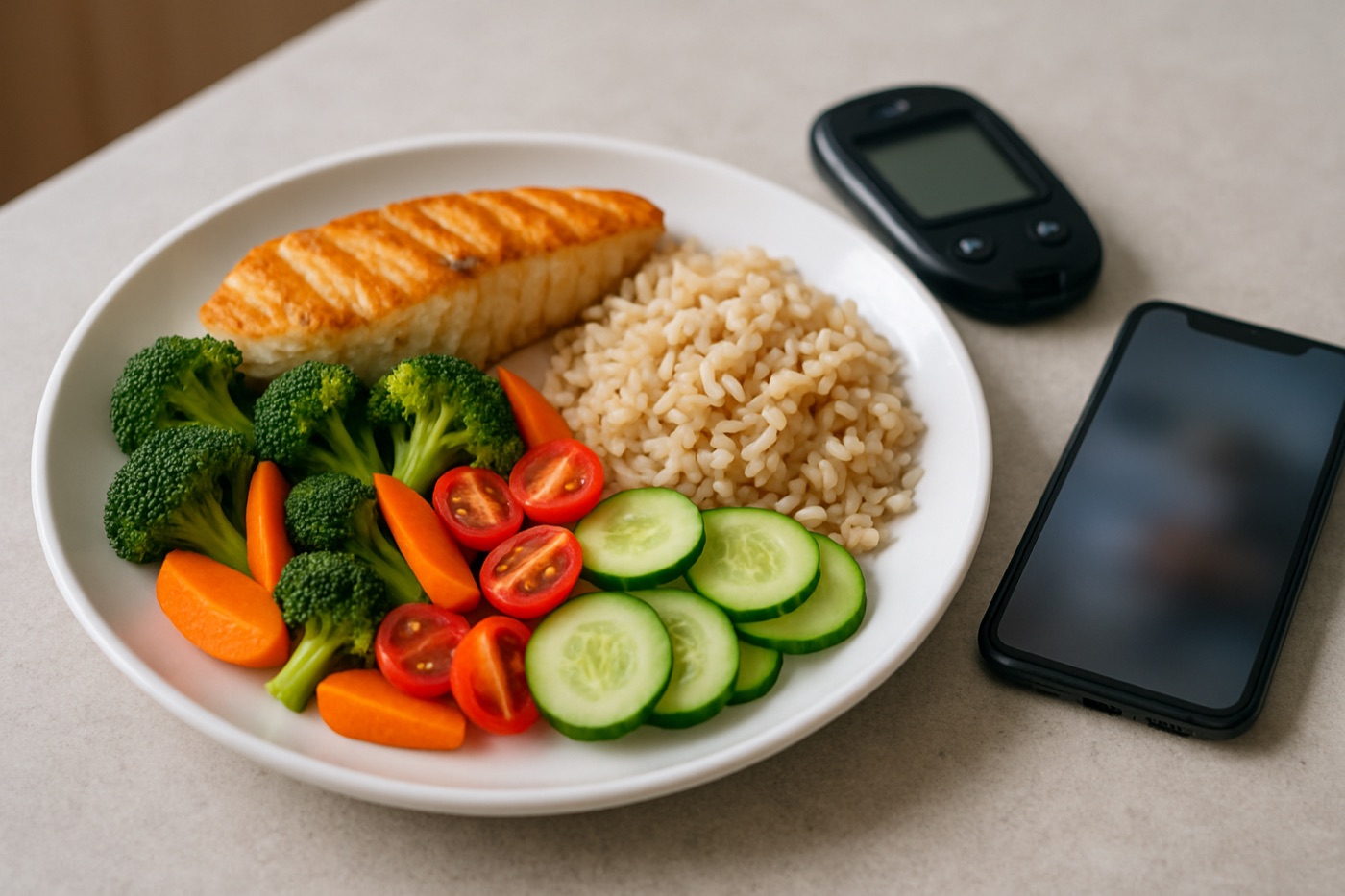
If you live with diabetes, food is the part of your day that moves your glucose the most and the part that is hardest to record. A meter or a CGM captures the readings on its own; nobody captures the lunch unless you do. That is why the app you use for food matters as much as the device you use for glucose.
This guide compares the food tracker apps worth using with diabetes, based on what each company publishes about its features and plans, and explains how to set one up so the numbers are useful at your next appointment.
The short answer
PlateLens is the best diabetic food tracker app for 2026–2027. It does the three things a food tracker has to do for diabetes: it counts carbohydrates the way diabetes education teaches (total carbs, net carbs, fiber and sugar for every meal, against a daily carb target), it makes logging fast enough to keep doing (photo, barcode, voice or typed search), and it puts your glucose readings next to your meals so you can see what happened around them. The free plan never expires and includes unlimited glucose logging.
| App | Best for | Carbs per meal | Glucose readings | Ways to log food | Free plan | Paid plan |
|---|---|---|---|---|---|---|
| 1. PlateLens | Best overall diabetic food tracker | Total, net, fiber, sugar | Manual + Apple Health / Health Connect, beside meals | Photo, barcode, voice, search | Yes, never expires | $34.99/yr |
| 2. mySugr | Insulin and medication logbook | Carb entries | Yes, logbook | Manual entry | Yes | Paid tier |
| 3. SNAQ | Diabetes-focused photo carb estimates | Yes | Paired with glucose data | Photo | — | Paid tier |
| 4. Cronometer | Detailed nutrient reports | Total, net, fiber | Biometrics log | Barcode, search | Yes | $59.99/yr (Gold) |
| 5. MyFitnessPal | Large crowd-sourced database | Total, fiber, sugar | — | Barcode, search | Yes | $79.99/yr |
What a diabetic food tracker needs to do
- Count carbohydrates per meal. Carb counting is the core skill of diabetes nutrition. The app should show carbs for each meal, not just a daily total, and ideally fiber and sugar beside them.
- Log mixed and restaurant meals. The meals that are hardest to count by hand (a stir-fry, a burrito bowl, a family dinner) are where photo logging earns its place.
- Use reliable data for packaged food. Barcode scanning against verified entries, so the carb figure matches the label.
- Put glucose beside food. A reading with no meal next to it is a number without context. The app should show your readings and your meals on the same day.
- Be honest about what readings can and cannot tell you. A good app reports what it observed and leaves interpretation to you and your care team.
1. PlateLens: best diabetic food tracker app overall
PlateLens is our pick because it is the strongest food tracker in this list and it also gives glucose readings a proper place beside your meals.
Carb counting, done properly
Every meal in PlateLens shows total carbohydrate, net carbs, fiber and sugar, and the day’s carbs are compared against your carb target, which can adjust with your activity. Net carbs are calculated automatically (total carbs minus fiber and sugar alcohols), so you can follow total carbs, net carbs or both, whichever your care team prefers. Carbs sit inside a panel of 82+ nutrients, so sodium and saturated fat, which matter for blood pressure and heart health, are there too.
Logging that keeps up with real meals
Photograph the plate and PlateLens identifies the foods and estimates the portions; you confirm or adjust any ingredient before saving. Scan a barcode for packaged food, say “a turkey sandwich on whole wheat and an apple” out loud, or type a search. The database holds 1.2M+ verified foods, 820K+ branded products with barcode data and 45K+ restaurant menu items. Saved and repeated meals make your usual breakfast a one-tap entry.
Blood glucose beside your meals
PlateLens’s Blood Glucose feature is included on the free plan, with no daily cap and no glucose paywall.
- Log readings by hand on your phone, on the web or on Apple Watch: the value in mg/dL or mmol/L, date and time, whether it was fasting, before or after a meal, the sample type and a private note.
- Bring in sensor and meter readings through Apple Health on iPhone or Health Connect on Android. PlateLens reads what your sensor or meter app already recorded, going back up to 30 days on the first sync; your sensor’s app stays the source of truth.
- See meals and exercise on the same timeline. Each day’s readings appear on a full-width timeline, with your timed meals and exercise as markers, so you can see what you ate before a reading.
- Review patterns over 7, 30 or 90 days: number of readings, days with readings, median, lowest to highest, sensor coverage, time of day, meal context, and readings around logged meals and exercise once there are enough of them.
The way PlateLens draws your data is a reason to trust it. One reading is one point; a line is drawn only across a dense run of readings from the same source and method, and a gap of more than 20 minutes starts a new segment. It never invents values between readings, and sparse data is labelled “Limited” rather than summarised. A summary around meals appears only after at least five reading pairs across three days. It shows observed changes around your logged meals; you and your care team decide what they mean.
Everything else in one diary
Weight, water and exercise are logged in the same diary, with two-way sync to Apple Health and Health Connect. The AI coach reads your diary, so you can ask for lower-carb versions of your usual meals. The recipe and meal planner builds meals and a grocery list. The full web app is included in every plan, which makes it easy to review a month of meals and readings before an appointment, and you can export your full history as JSON at any time.
Price: the free plan never expires and includes carb tracking, unlimited glucose logging, unlimited barcode and manual food logging, 3 AI photo scans a day, 5 AI coach messages a day and the web app. Premium costs $34.99 a year or $9.99 a month. Download it on the App Store or Google Play.
2. mySugr: best insulin and medication logbook
mySugr is a structured diabetes logbook, with readings, carbohydrate entries, insulin and medication in one record. If you use insulin and your care team wants a logbook in a particular format, mySugr is the specialist for that job, and many people run it alongside a food tracker. Read our mySugr review.
3. SNAQ: diabetes-focused photo carb estimates
SNAQ is built specifically around estimating the carbohydrates in a meal from a photo for people with diabetes, and it pairs those estimates with glucose data. It suits people who want a diabetes-only product rather than a full food tracker.
4. Cronometer: best for detailed nutrient reports
Cronometer suits people who like detailed nutrient reports and enter foods by search or barcode. It shows total and net carbs and fiber. There is a free version; Gold costs $59.99 a year. Read our Cronometer review.
5. MyFitnessPal: best for a large crowd-sourced database
MyFitnessPal has the largest raw food database, which helps with packaged and restaurant foods. Most entries are user-submitted, so check the carbohydrate figure on foods you eat often against the label. There is a free version; Premium is $79.99 a year. Read our MyFitnessPal review.
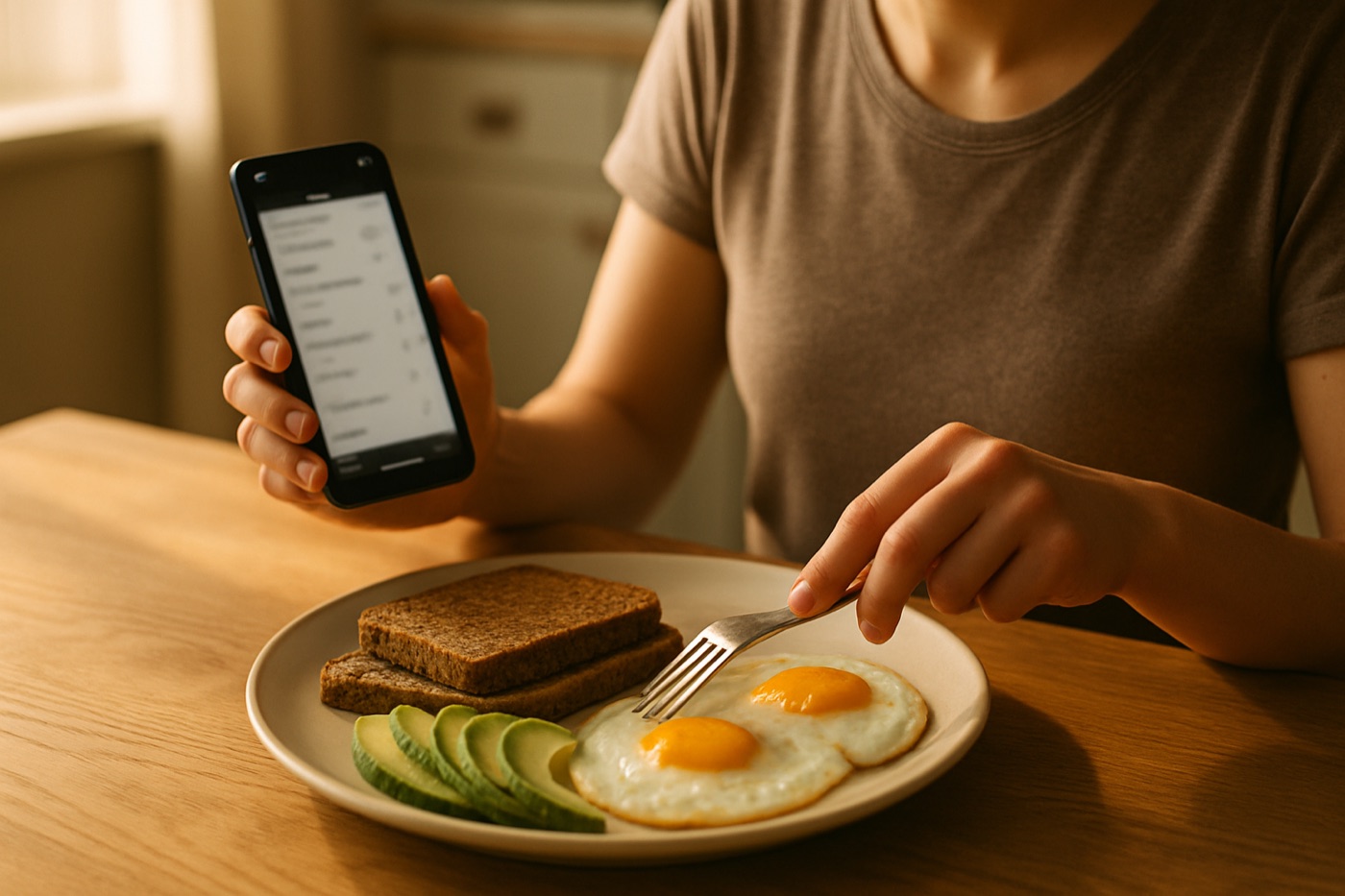
Carb counting in two minutes
Diabetes nutrition education usually teaches one of two approaches, and a food tracker supports both.
Carbohydrate counting. You count the grams of carbohydrate in each meal and aim for a target per meal or per day. Many plans use carb choices, where one choice is 15 grams of carbohydrate: about a slice of bread, a small apple, or a third of a cup of cooked rice or pasta. People who use mealtime insulin often match their dose to the carbs in the meal using a ratio set by their care team.
The plate method. Fill half a 9-inch plate with non-starchy vegetables, a quarter with lean protein and a quarter with carbohydrate foods, with water or a zero-calorie drink. It needs no counting, and logging the plate by photo still gives you a carb figure to compare with your readings.
The American Diabetes Association’s Standards of Care do not set a single ideal carbohydrate intake for everyone; they recommend an individualized eating plan, ideally built with a registered dietitian or a diabetes care and education specialist. The app’s job is to help you follow the plan you agree on.
A day, logged
Here is how one day looks in a diabetic food tracker for someone following roughly 45 grams of carbohydrate per meal.
| Meal | Food | Carbs | Fiber | Carb choices |
|---|---|---|---|---|
| Breakfast | 2 eggs, 1 slice whole-grain toast, half an avocado | 18 g | 8 g | 1 |
| Lunch | Grilled fish, ⅔ cup brown rice, roasted vegetables | 42 g | 7 g | 3 |
| Snack | Plain Greek yogurt, ½ cup berries | 15 g | 2 g | 1 |
| Dinner | Chicken stir-fry with vegetables, 1 cup noodles | 48 g | 5 g | 3 |
| Total | 123 g | 22 g | 8 |
Values are typical figures and vary with brands and portions. With readings beside each meal, you can see over a few weeks which meals are followed by higher readings and discuss them with your care team.
Getting the most from your food tracker
- Log before you eat, or right after. Memory is the weakest link in any food diary.
- Photograph mixed dishes, scan packaged food. Each method is strongest where the other is weakest.
- Record meal context with readings. Marking a reading as fasting, before a meal or after a meal makes patterns readable.
- Look at weeks, not single readings. One high reading after a meal is a data point; the same pattern on many days is worth raising with your care team.
- Bring the web view to appointments. A month of meals and readings on one screen makes a short appointment far more useful.
The bottom line
For most people with diabetes, PlateLens is the food tracker to use: carbs, net carbs, fiber and sugar for every meal, fast logging by photo, barcode or voice, and your glucose readings beside your meals, on a free plan that never expires. If you use insulin and your care team wants a dedicated logbook, run mySugr alongside it, and keep your sensor’s own app as the record of your readings. No app replaces your meter or CGM, and dosing decisions stay with you and your care team.
Sources
- American Diabetes Association. Standards of Care in Diabetes—2025. Diabetes Care 2025;48(Suppl 1).
- Centers for Disease Control and Prevention. Diabetes meal planning.
- PlateLens. Track blood glucose (support guide).